Start with a recipe.
Choose a bundled profile. Sparkbot prepares its runtime and verifies the model files.
 sparkbot.
Choose a model, bring your Sparks together, and get help from an AI that runs right beside you.
One command to get started. Guided setup from there.
curl -fsSL sparkbot.dev/install.sh | bashWebsite-hosted installer. No GitHub account needed.
Your hardware. Your models. Your local assistant.
Spend less time switching between terminals and tools. Get a clear view of your setup, then take the next step with confidence.
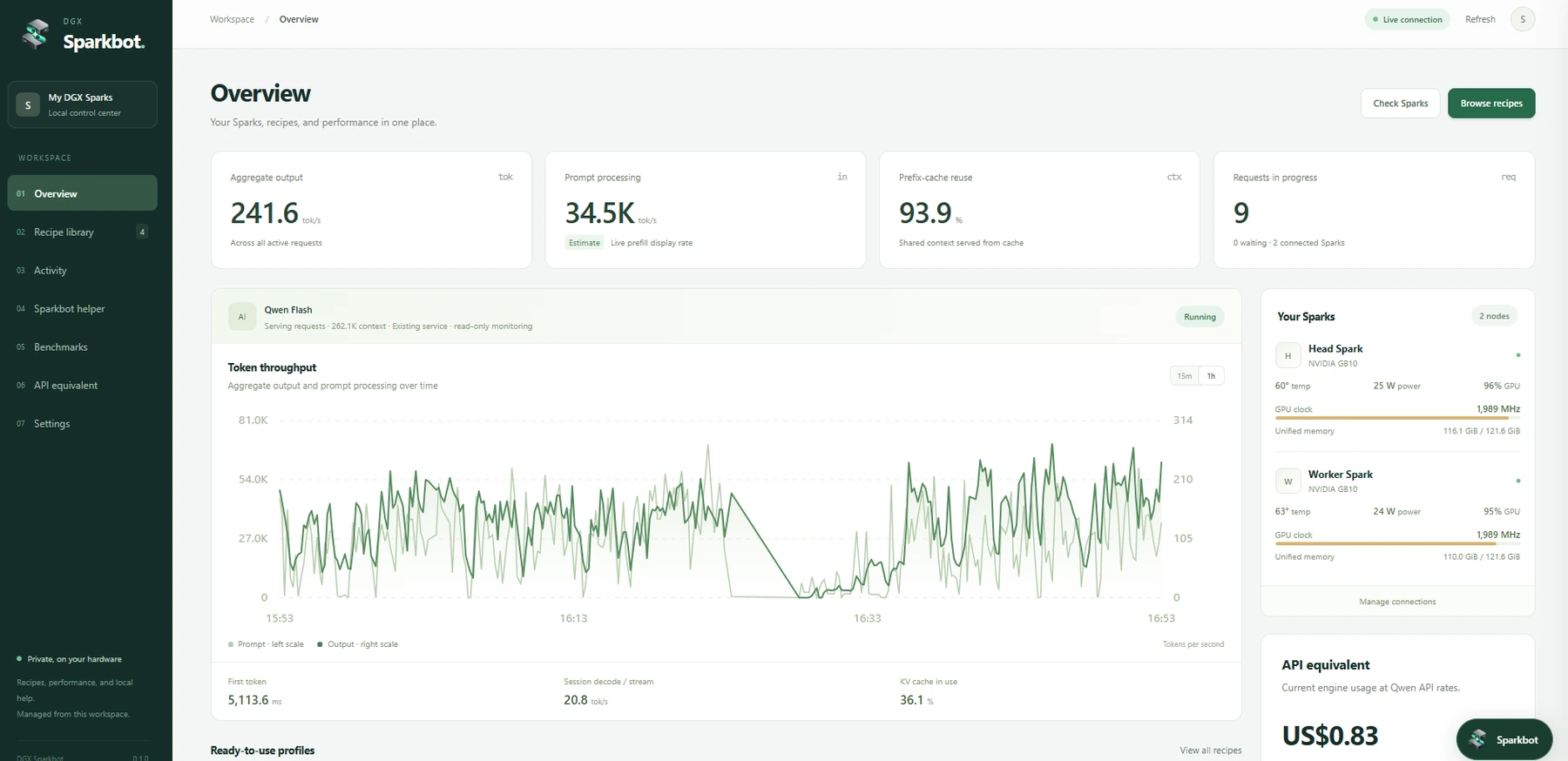
Swipe across the dashboard to see it in detail.
Choose a bundled profile. Sparkbot prepares its runtime and verifies the model files.
Watch tokens, throughput and unified memory. Benchmark decode and prefill in a few clicks.
Ask SparkBotLLM to inspect your setup. Review changes before they happen.
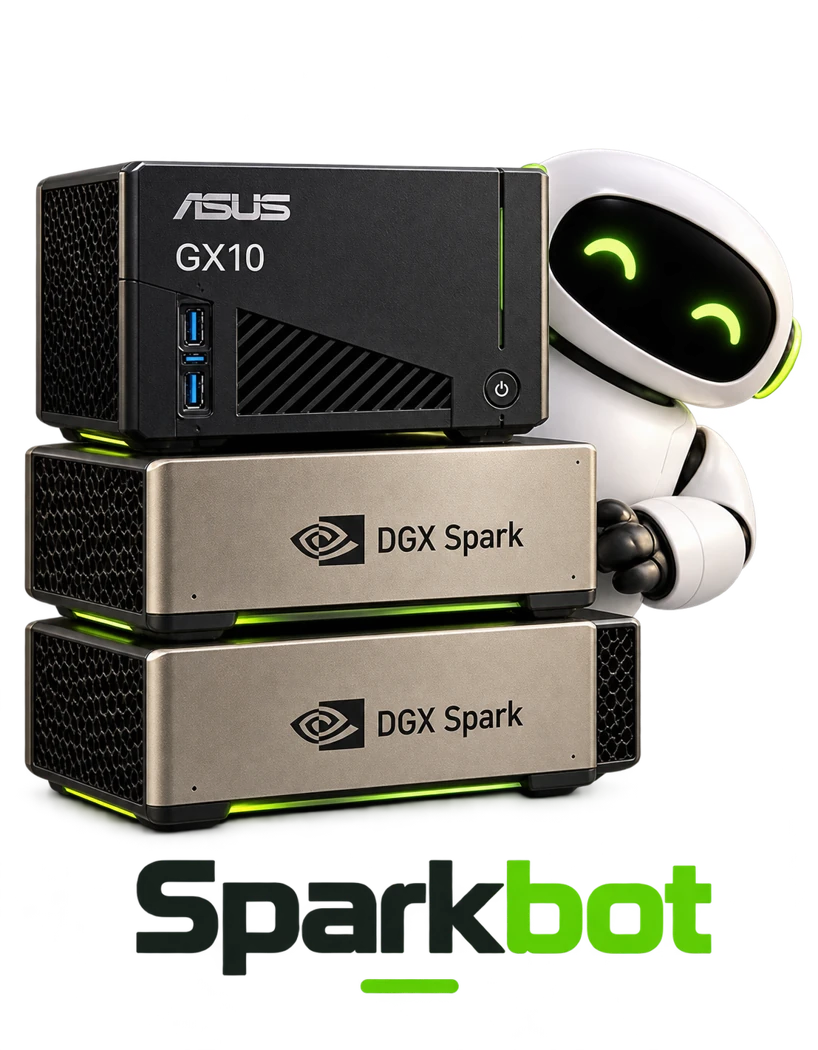
A startup service requests a 2,000 MHz cap. Measured clocks can sit just below the ceiling.
Meet your first local AI assistant for your Spark. SparkBotLLM helps inspect your hardware, work through setup issues and review the next deployment step. Your conversations run on your own machine.
SparkBotLLM
Adapted from LiquidAI LFM3 1.7B · Q4
Seven bundled launch profiles, plus Mia’s AI Lab’s collection of DGX Spark recipes. Explore what fits your hardware.
Browse 33 DGX Spark sources from Mia’s AI Lab. Recipes awaiting adaptation are labelled for review, so you always know what’s ready to run.
The dashboard comes first. Add the local helper when you want it. Larger model runtimes download only when you select a recipe.
Dashboard and compact helper engine. No model weights.
9.2 MB native CPU runtime + 1.05 GB Q4 model.
See the download and disk requirements before setup.
The native CPU helper needs no Docker or GPU. GPU model recipes use their own runtimes. Sizes are measured package sizes, not memory use.
Compare decode and prefill with clear tables. See aggregate throughput and estimate the API equivalent of your local usage.
Plain-language steps. Reviewed commands. Help when you need it.
Start with guidance, or use Expert mode for direct terminal commands and launch overrides. Assistant-proposed changes still need approval.
Check GitHub releases from Settings. Review an update before installing it. The dashboard restarts; model services stay running.
Public update checks become available when the repository is public.
Open a terminal on your DGX Spark.
One command gets the dashboard running.
$ curl -fsSL https://sparkbot.dev/install.sh | bashRun the installer on your Spark.
Open the setup link and create your password.
Choose a recipe. Add local help when you’re ready.
The installer and application download are hosted with this website. Model weights download separately from their publishers. Your first setup checks guide you through missing components.
Made to be approachable.
Clear about what it does.
A Linux arm64 DGX Spark and an internet connection for installation. The dashboard runs locally on port 10005. For two Sparks, you’ll also need the interconnect and an SSH connection between them. Setup checks help you find missing components.
No. The dashboard and native CPU helper work without Docker. Model recipes may need Docker and NVIDIA container support; Sparkbot can inspect those requirements and present an installation plan.
Helper inference runs on your own Spark, on loopback port 10004. It uses SparkBotLLM, adapted from LiquidAI LFM3 1.7B and served in Q4. Downloads and discovery contact their public sources; proposed terminal commands and configuration changes need your review.
Yes. Sparkbot can monitor an existing OpenAI-compatible model service. Its launchers manage their own containers. Expert mode gives you direct terminal access and supported recipe overrides.
The seven bundled profiles have custom Sparkbot launchers. Other entries in Mia’s AI Lab’s catalogue are source links for review. Hardware, patches and licenses differ, so they are not presented as verified deployments.
Sparkbot is an independent project maintained by x00byte for DGX Spark owners. NVIDIA DGX Spark is a supported hardware platform, not an endorsement.